Decision packs
The shared-service inbox for orchestrated work — email deep link or in-app approve.
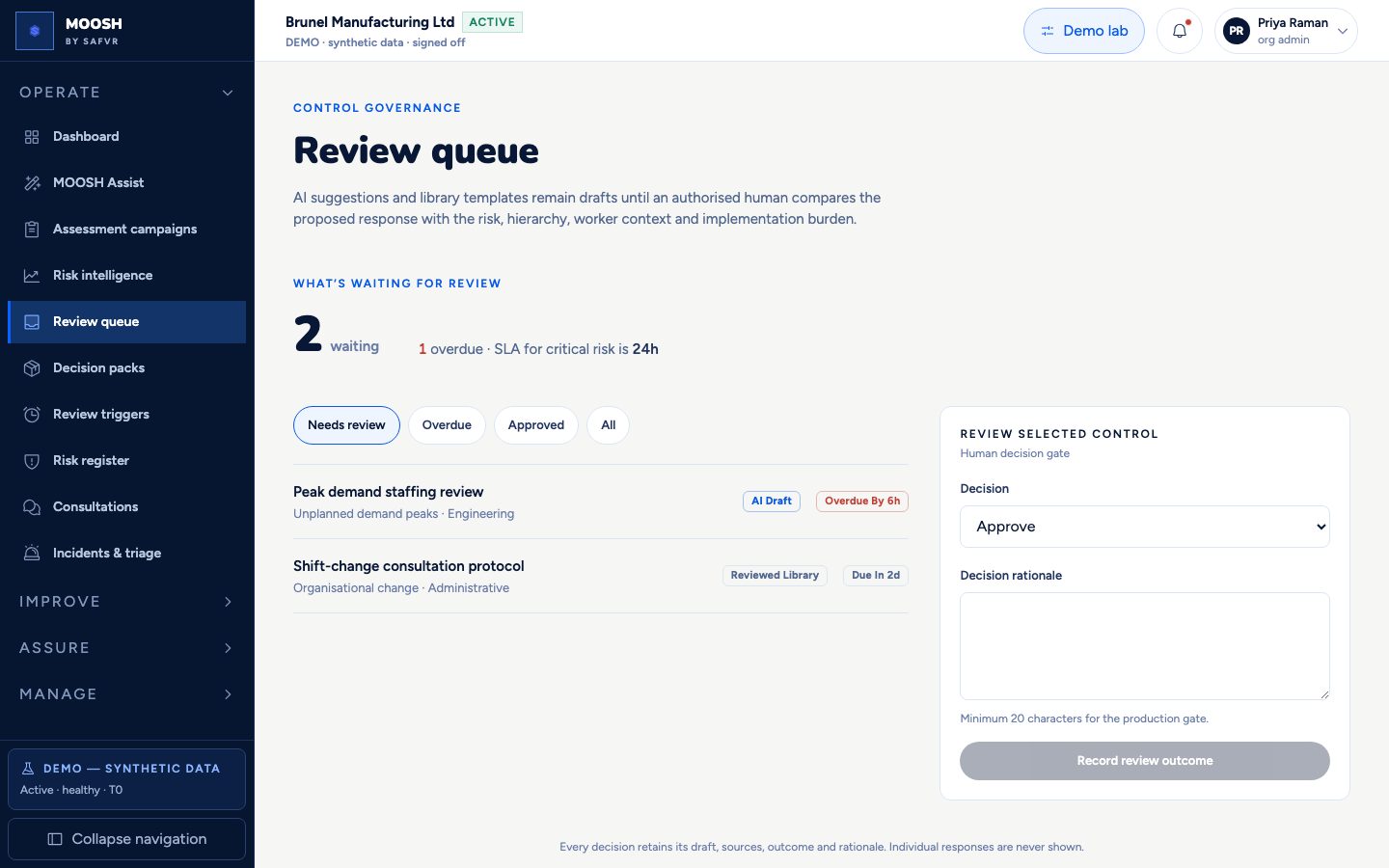
Playbooks watch signals, schedules, and events, then assemble a **Decision Pack**: plain-language summary, draft risk/control/campaign links, citations, and a blocking human gate.
Packs notify via **transactional email** (`decision_pack_ready`) and in-app. You approve, amend, or reject with a rationale. This is the main way MOOSH avoids becoming a console you must click through for every routine step.
Tier-3 **standard** library controls may auto-apply under policy; they still produce audit evidence and an informational notice — not a silent black box.
For example
Logistics demand peaks fires signal_threshold_pack; Sarah opens the email link, approves the pack, and Tom receives control_task_assigned by email.
Worth knowing
- Playbook
- A versioned, vertical- and regulation-agnostic rule that starts work from a schedule, threshold, or event.
- Standard-control auto-approve
- Tier-3 path where a library control flagged auto_approvable may apply without a pack click when band and policy allow.
What you can do here
- 1Open ready packs from the queue or email deep link.
- 2Approve, amend, or reject with rationale.
- 3Review the Auto-applied tab for standard-control audit codes.
- 4Check email outbox under Organisation admin if delivery is in question.