Instrument library
The validated questionnaires every check-in is built from — including licence and language gates.
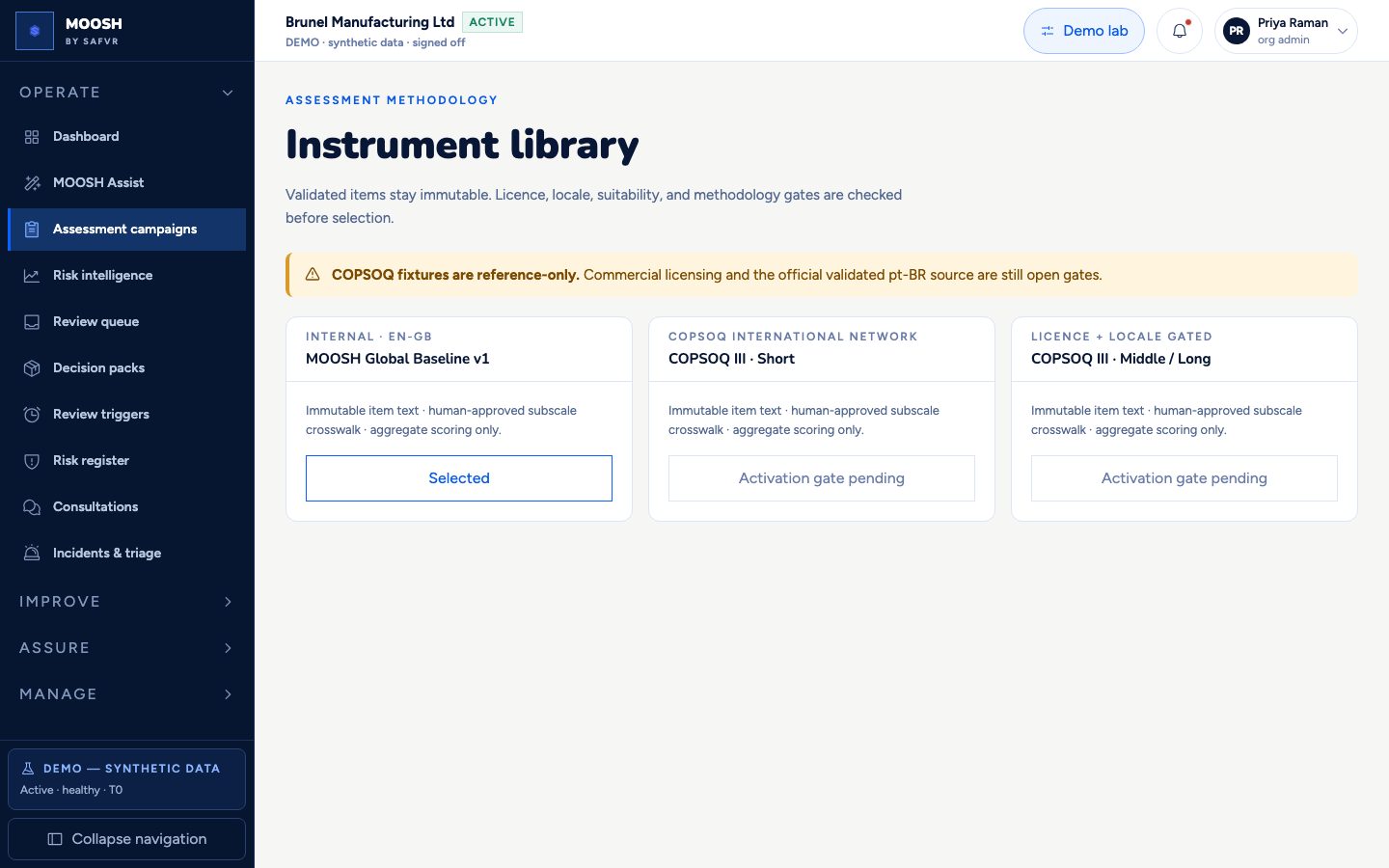
Every questionnaire used in MOOSH is fixed and versioned in advance — nobody is improvising questions on the fly. This page is the instrument catalog: publisher, licence posture, validated locales, and whether an instrument can be selected for a commercial campaign.
Internal instruments such as the MOOSH Global Baseline can be selected. Validated third-party instruments such as COPSOQ III appear as reference fixtures but stay blocked until commercial licensing and validated language sources are cleared.
Once an instrument is used in a live campaign, its item text cannot be changed — so results stay comparable over time. AI may clarify a pinned item; it never rewrites a validated question.
For example
You can select “MOOSH Global Baseline v1” for a first campaign. “COPSOQ III · Short” stays disabled with a clear activation gate until licensing and the official pt-BR source are approved.
Worth knowing
- Instrument
- A fixed, tested questionnaire — the actual set of questions behind a check-in or campaign.
- Licence gate
- A hard block that prevents selecting a commercial instrument until the organisation has cleared the publisher's terms.
What you can do here
- 1Browse instruments and their publishers.
- 2Select an instrument that is cleared for use.
- 3See licence and locale gates on instruments that are not yet live.
- 4Open a published version detail when available for campaign use.