Organisation admin
People, roles, transactional email, bots, language, and lifecycle — the rails under orchestration.
Who this is forOrganisation admins and compliance officers.
Org adminCompliance officerScreenshot shown as: Priya Raman
moosh.app/admin/org
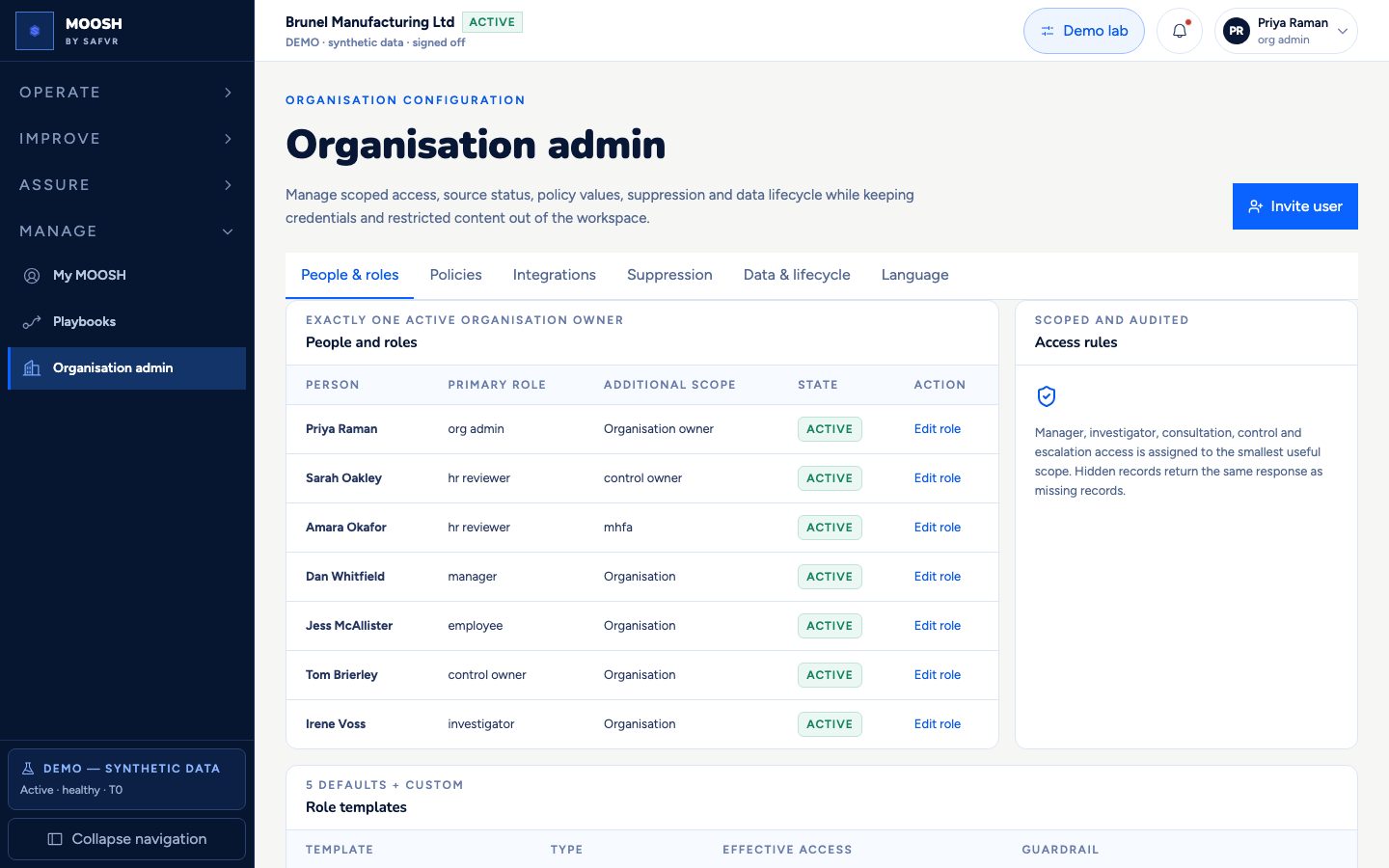
Configure who has which role, retention, suppression, and lifecycle. Under the new positioning, **Integrations** includes first-class **transactional email** (mock outbox for Decision Packs and control tasks) plus Teams/Slack gates.
People & roles still enforce non-grantable privacy floors. Language remains en-GB source with pt-BR preview when gated.
Playbook definitions live on a dedicated Playbooks screen; this page remains the connector and people hub.
For example
Priya checks that decision_pack_ready emails appear in the outbox and that Teams bots stay disabled until processor approval.
Worth knowing
- Retention policy
- How long different kinds of data are kept before being deleted, set by the organisation within allowed limits.
- Transactional email
- Action and notification messages (packs, tasks) without open/click tracking and without HIGHEST content in the body.
What you can do here
- 1Manage people and role templates.
- 2Inspect transactional email status and outbox.
- 3Review Teams/Slack processor gates.
- 4Set retention and lifecycle controls.